
What VINELink Covers in Putnam County
Every Tennessee sheriff takes part in TN SAVIN, per the Tennessee Sheriffs Association. That puts Putnam County inside the network. Keep in mind what VINELink is: a custody notification service, not a mugshot archive.
For Putnam County recent arrests, the split is simple. The sheriff roster shows live booking detail. VINELink handles alerts. County jail records and TDOC state records sit on different custody layers, while BOP and ICE fall outside ordinary county SAVIN coverage. A roster photo or charge line never shows the later court result.
How to Check a Putnam County Arrest on VINELink
Open the official VINELink interface and pick Tennessee as the state. Search with care, since common names often return more than one possible match.
- Select Tennessee and the available custody search.
- Enter the full name or a booking number supplied by the jail.
- Compare identifiers and facility information.
- Open only the record that matches.
- Call the booking desk if the identity or fresh status is unclear.
The public roster cards for Putnam do not display a booking number. When you need that number, the jail booking desk can supply it.
What VINELink Shows After an Arrest
A match may show the person's name, custody status, facility, an identifier, and the notification controls. Which fields appear depends on the participating agency.
| Result item | Meaning |
|---|---|
| Name or identifier | Helps distinguish possible matches |
| Custody status | The status reported by the participating agency |
| Facility | The reporting custody location |
| Notification option | Registration for supported changes |
VINELink does not decide guilt, display a final disposition, or guarantee advance notice.
How to Register for Custody Alerts
Once a match looks right, choose Get Notified or the equivalent control. Pick phone or email. Enter your contact details, then set a four-digit PIN. That PIN confirms calls and lets you cancel alerts later. Tennessee flags release, transfer, and escape events. Operator support runs around the clock in English and Spanish.
- Open the matched custody record.
- Choose the notification control.
- Select phone or email.
- Create and retain the four-digit PIN.
- Confirm the registration and keep the jail number available.
VINELink Limits and How to Confirm
Start with the official Putnam County source and confirm the current record with the responsible agency. Booking data is only booking data; verify before acting on it.
Putnam County VINE Search Details
Tennessee SAVIN checks one named person at a time, not a whole public roster. Start with the best spelling you have. Add a booking number when the jail supplies one. Common names can return several candidates, so compare facility, identifier, and status before registering. Never assume the first result is your person.
Registration runs by phone or email with a four-digit PIN. Keep that PIN handy. It verifies notification calls and cancels future alerts. Tennessee supports release, transfer, and escape events, and live operators answer around the clock in English and Spanish at 1-888-868-4631.
Alerts spare you from refreshing the Putnam roster, yet they are not guaranteed advance warnings. Data can lag behind an intake or custody change. Keep a separate safety plan, and call law enforcement directly when action is urgent. The official VINELink interface is where each search begins.
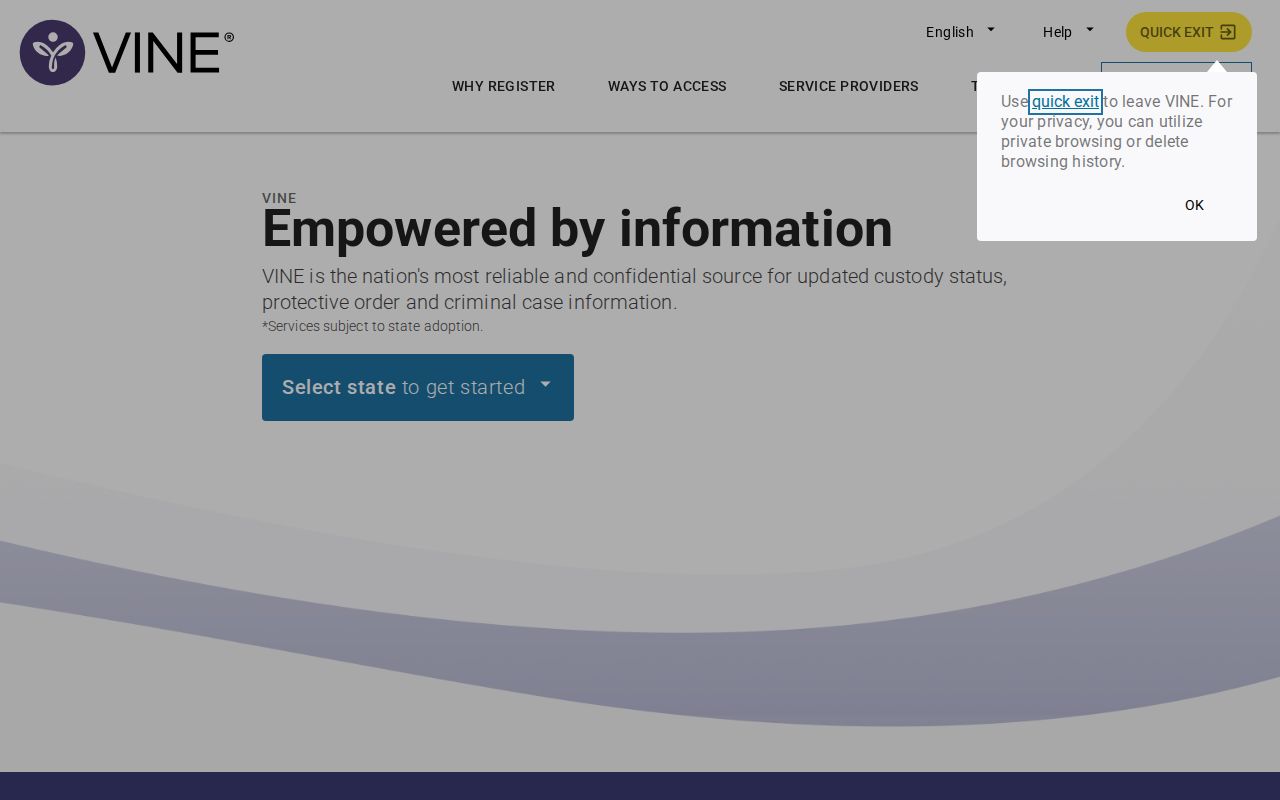
The capture shows the general search service without exposing a real person's result.
Tennessee SAVIN Coverage Boundaries
Putnam County participates through the statewide system for Tennessee sheriffs. TDOC also uses VINE for state offenders. County and state records mark distinct custody stages, though, so a county registration will not automatically follow someone after transfer.
| Situation | Starting source |
|---|---|
| Fresh Putnam booking | ISOMS and booking desk |
| County custody alert | TN SAVIN |
| State custody | TDOC FOIL and VINE |
| Federal custody | BOP locator |
| Immigration detention | ICE and DHS VINE |
| Court outcome | Putnam clerk |
The Tennessee SAVIN page documents participation and alert mechanics.
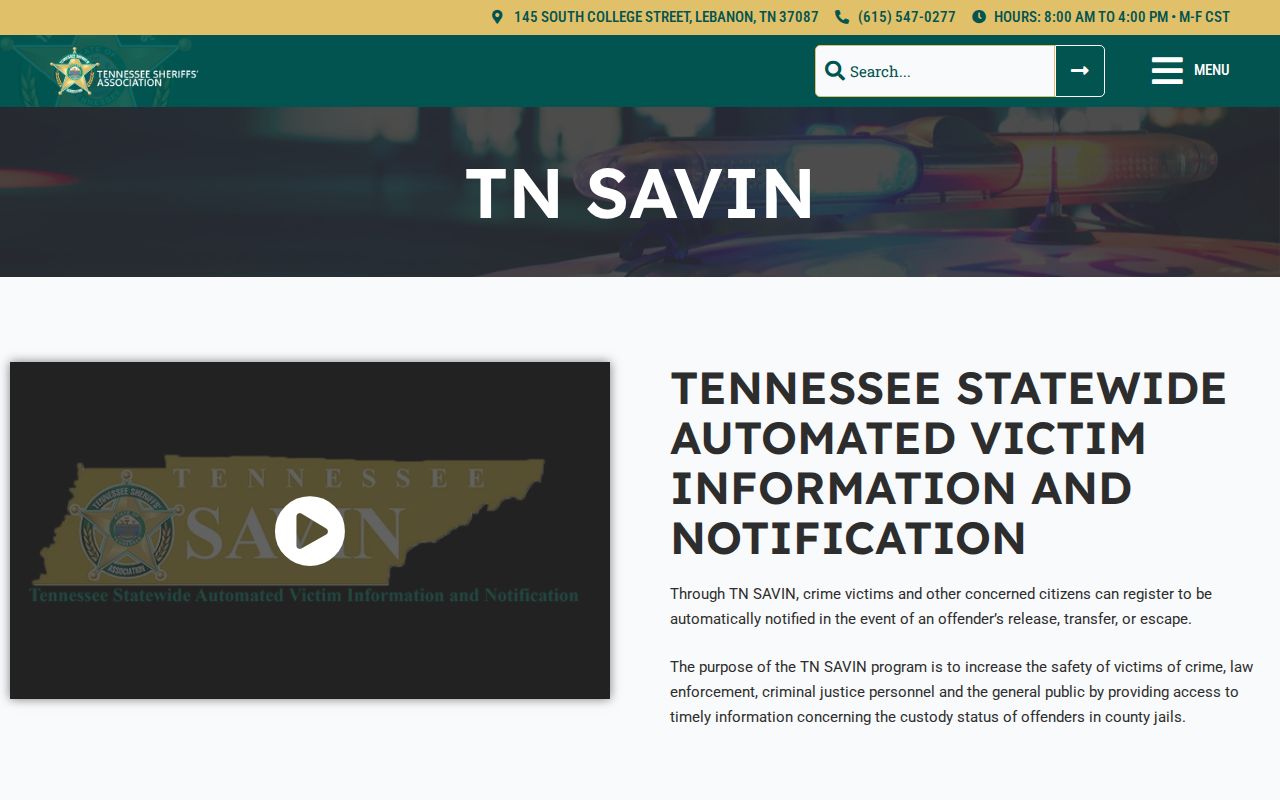
The official source spells out the PIN and the notification channels. Each tool has its own job. VINELink reports custody status. The sheriff roster supplies booking fields. The court holds the disposition.
When a Putnam VINE Match Is Missing
A missing VINE match has a few common causes. Intake may still be underway. The name may be spelled differently. The record may be restricted, or another authority may hold the person. Search the sheriff roster first, then call the booking desk at (931) 372-7250. Public cards do not display booking numbers, but the jail may hand out an identifier for a tighter search.
For someone already released, the Sheriff's Records Division holds arrest reports, older files, expungement paperwork, and face sheets where releasable. It opens Monday through Friday, 8:00 a.m. to 4:00 p.m. Central. The clerk handles disposition. That chain keeps current custody, retained records, and court outcomes in their own lanes.
Putnam houses county inmates plus some state, USMS, and ICE populations. A location match does not always name the legal authority. After transfer, switch to the matching state or federal source.
Call 911 for immediate danger. VINELink is a notification aid, not emergency dispatch.
VINE Alerts After Transfer
A transfer shifts which agency holds the newest record. A move into TDOC means the state offender path. Federal pretrial placement may not show in BOP's sentenced-prisoner locator. Immigration detention belongs to ICE and DHS VINE.
A release alert does not close the court case. The Putnam docket may still list arraignment, later hearings, amended charges, or disposition. Keep booking, custody changes, and court results separate.
Note: Confirm your contact details and keep the PIN so an important alert is not missed.